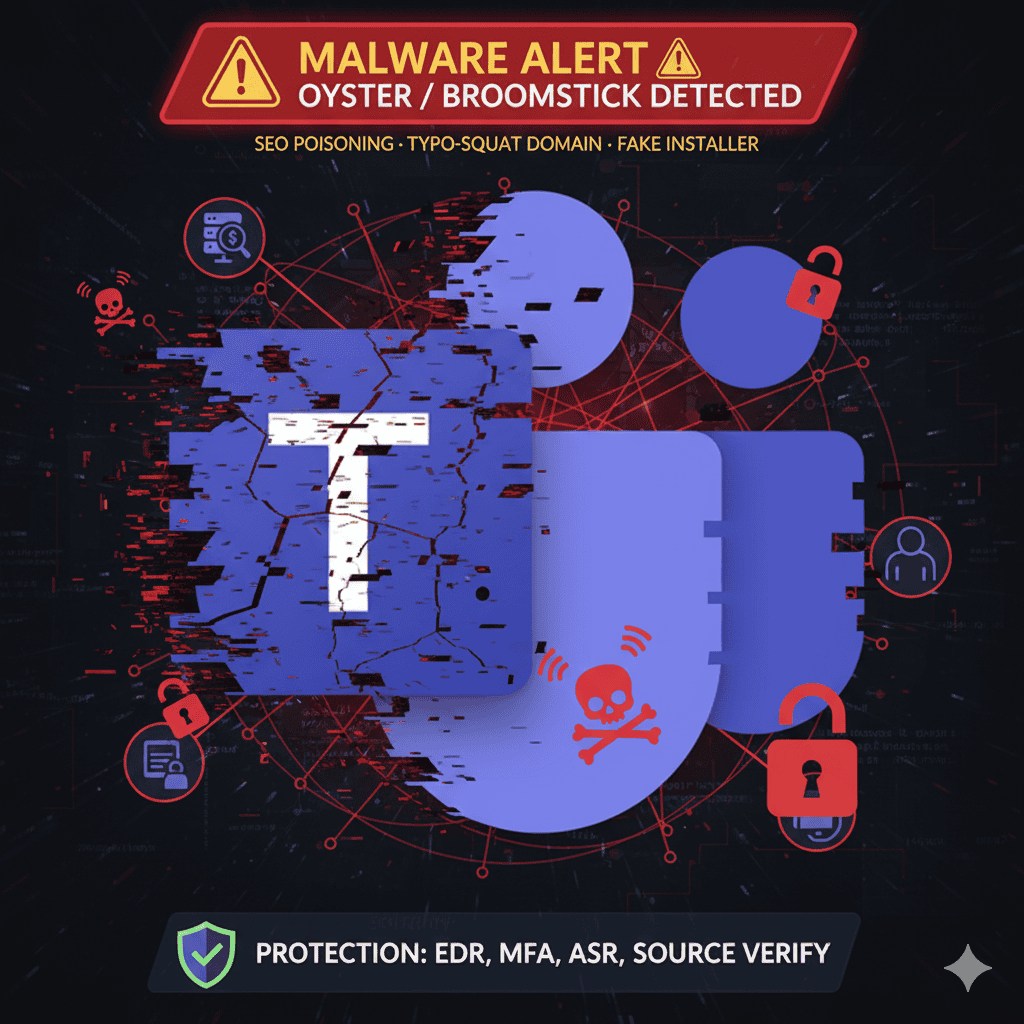
A sophisticated cyber campaign is exploiting trust in Microsoft Teams to distribute the Oyster backdoor malware, aka Broomstick or CleanUpLoader.
This attack underscores the growing risk of malvertising (malicious advertising) and SEO poisoning being used as entry points into African enterprises, where Teams is a primary collaboration tool.
The Attack: How It Works
- SEO Poisoning & Malvertising
Threat actors buy malicious ads and manipulate search results to position fake download pages for Microsoft Teams. - Typosquatting Domains
Users are lured to fraudulent sites that closely resemble Microsoft’s legitimate download portal. - Trojanized Installer
The victim downloads a file named something likeMSTeamsSetup.exe. Instead of Teams, it executes the Oyster malware. - Persistent Backdoor
Oyster installs itself as a modular backdoor, gathering system details, stealing credentials, and enabling attackers to deploy further payloads such as ransomware. - Evasion Tactics
The attackers abuse short-lived, valid code-signing certificates, making their malware appear trusted to basic security checks.
Why Oyster is So Dangerous
Oyster is not just malware, it’s an initial access broker. Once it infiltrates, attackers can escalate to full-blown breaches:
- Ransomware Deployment → Frequently linked to Rhysida ransomware groups, leading to operational shutdowns and multimillion-shilling ransom demands.
- Credential Theft & Lateral Movement → Steals login credentials, spreads across the network, and compromises high-value assets.
- Persistent Remote Access → Survives even after file deletion by creating scheduled tasks or registry entries.
- Data Exfiltration → Sensitive files can be stolen and sold on the dark web before ransomware deployment.
- Defense Evasion → Bypasses email filters and signature-based security using malvertising and signed binaries.
How African Enterprises Can Protect Themselves
User & Policy Controls
| Control | Action |
|---|---|
| Source Verification | Ensure downloads (Teams, Office, etc.) only come from official vendor sites (microsoft.com) or internal repositories—not search engines. |
| Security Awareness | Train employees to spot typosquatted domains (e.g., teams-install[.]icu) and understand malvertising risks. |
| External Access Controls | In Microsoft Teams Admin Center, restrict external access to only necessary domains. |
| MFA Everywhere | Enforce multi-factor authentication for all users—especially admins—to reduce credential theft risk. |
Technical Controls
| Control | Action |
|---|---|
| Endpoint Detection & Response (EDR) | Deploy tools like Microsoft Defender for Endpoint to detect suspicious behavior—even when files are signed. |
| Attack Surface Reduction (ASR) | Enable ASR rules to block: • Executables running from temp folders • Suspicious processes making network calls |
| Network Monitoring | Flag connections to newly registered domains or known C2 servers associated with Oyster. |
| Incident Response | If infected: 1. Isolate the machine 2. Wipe & rebuild from a clean backup 3. Audit accounts for privilege escalation and malicious persistence |
Why This Matters for Africa
With remote work adoption and cloud-first strategies accelerating across Africa, Microsoft Teams has become critical infrastructure. This makes African enterprises attractive targets for global threat actors leveraging malvertising.
Data protection is not just compliance, it’s resilience. Malvertising campaigns like Oyster highlight the urgent need for cyber hygiene, layered defenses, and governance frameworks that ensure staff and systems can withstand advanced threats.
Bottom line: Don’t trust the search bar. Always verify your software sources, train your people, and enforce layered defenses. In today’s landscape, the weakest click can open the strongest backdoor.